

Shielding Structures for High-Speed USB Cables: Buyer’s Guide
High-speed USB cables, such as USB 3.2, USB-C, and USB4, are designed to carry fast—even sensitive—differential signals. These signals are […]
 Premier Manufacturer

Romtronic is dedicated to providing detailed information and advice on all USB cables. Our blog covers various topics for both hobbyists and professionals (and certifications/standards) from an introduction to the various USB standards to troubleshooting AND tips on connecting. You can browse our USB cable resources to better understand and use your cables for the best possible useful.
High-speed USB cables, such as USB 3.2, USB-C, and USB4, are designed to carry fast—even sensitive—differential signals. These signals are […]
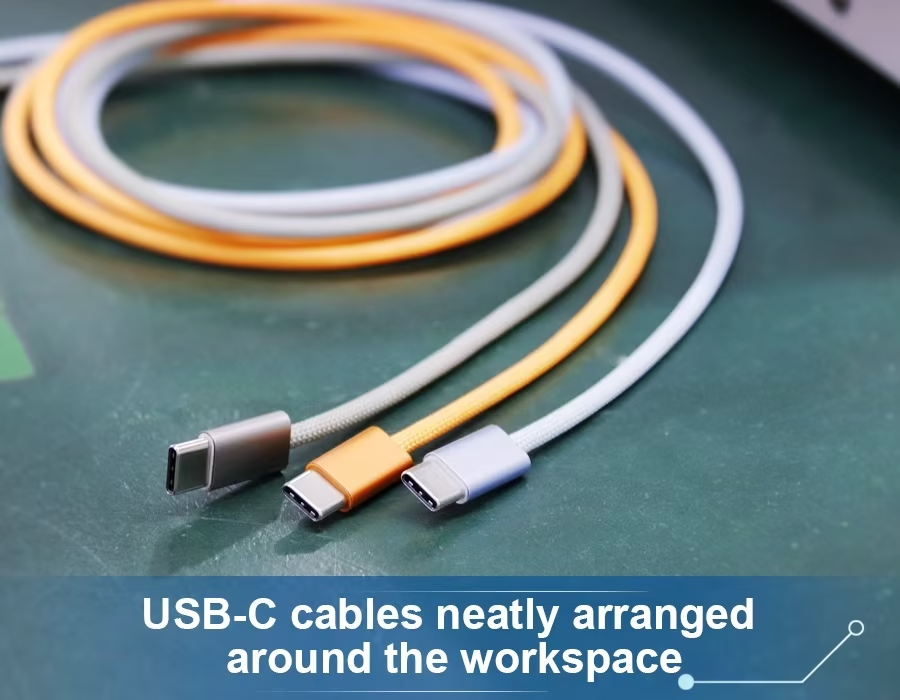
The preferred connector for laptops, cellphones, and even industrial equipment is now USB-C. However, have you ever given any thought
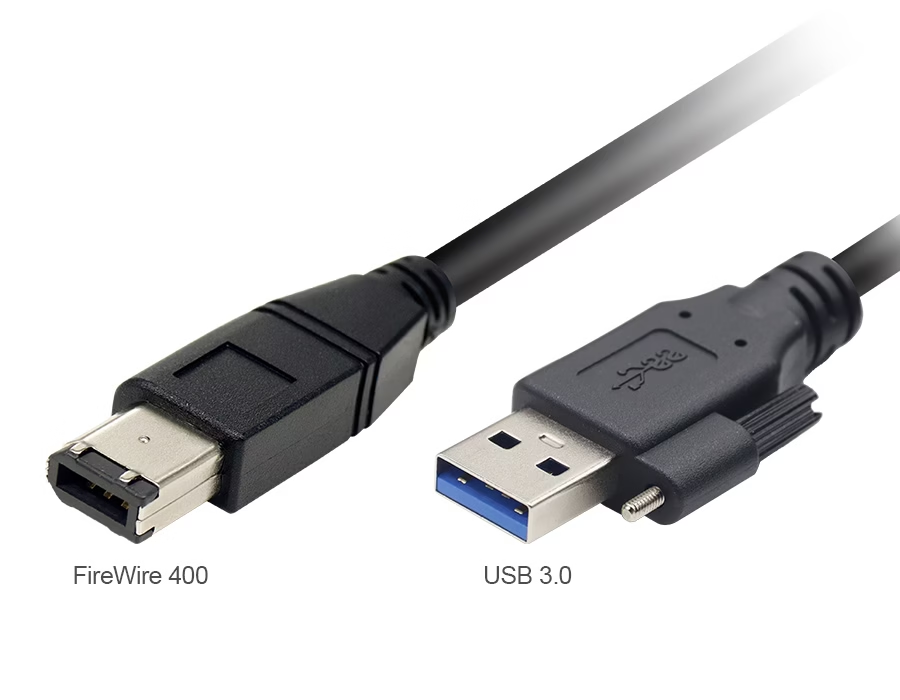
If you’ve ever tried to connect an ancient FireWire camcorder or audio interface to a current USB port, you probably
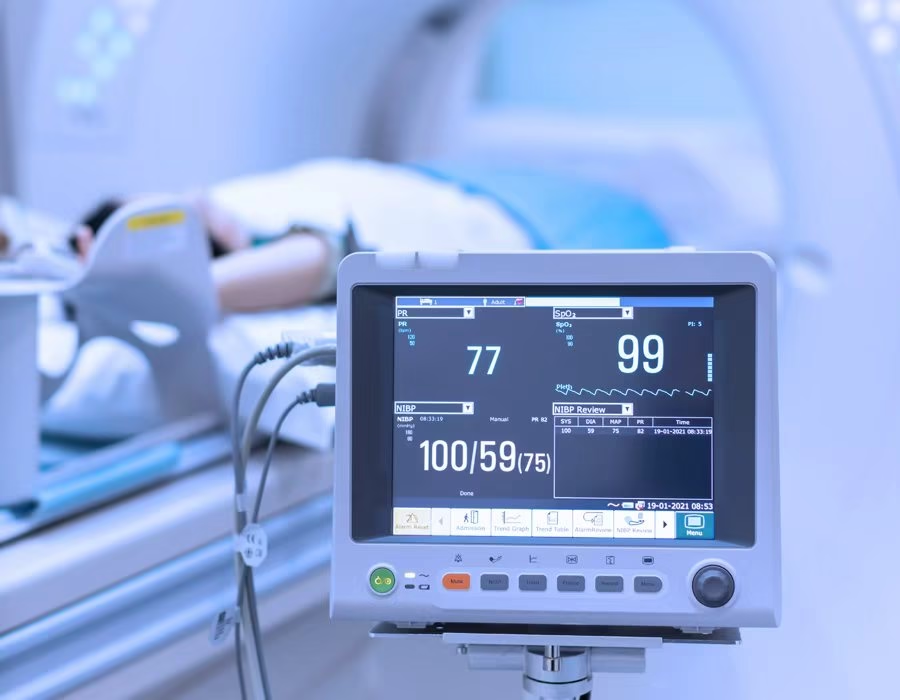
Modern bedside monitors are becoming smaller, smarter, and safer, mainly due to USB-C Power Delivery (PD). By adopting a single
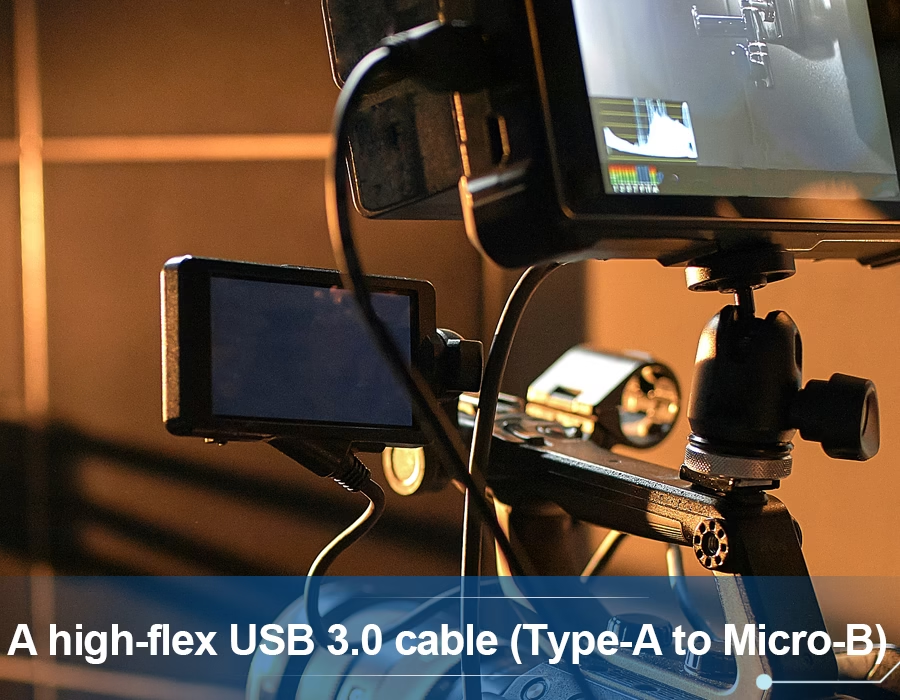
In modern factories and automated lines, USB 3.0 cables often reside in drag chains (also known as cable carriers or energy chains),
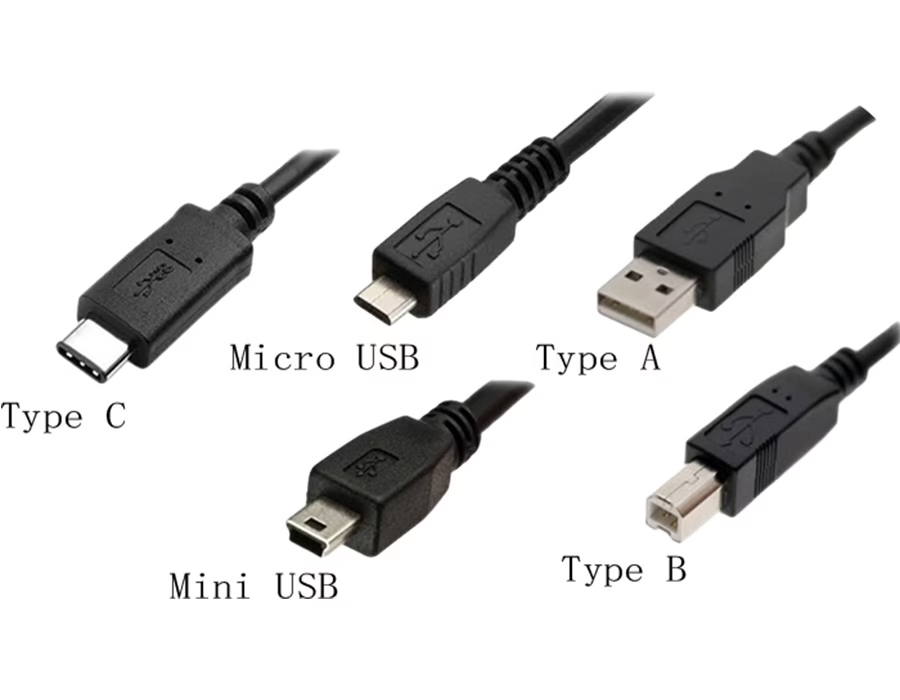
Selecting the correct USB cable assembly is crucial for any device design. A mismatched cable can cause data loss, power
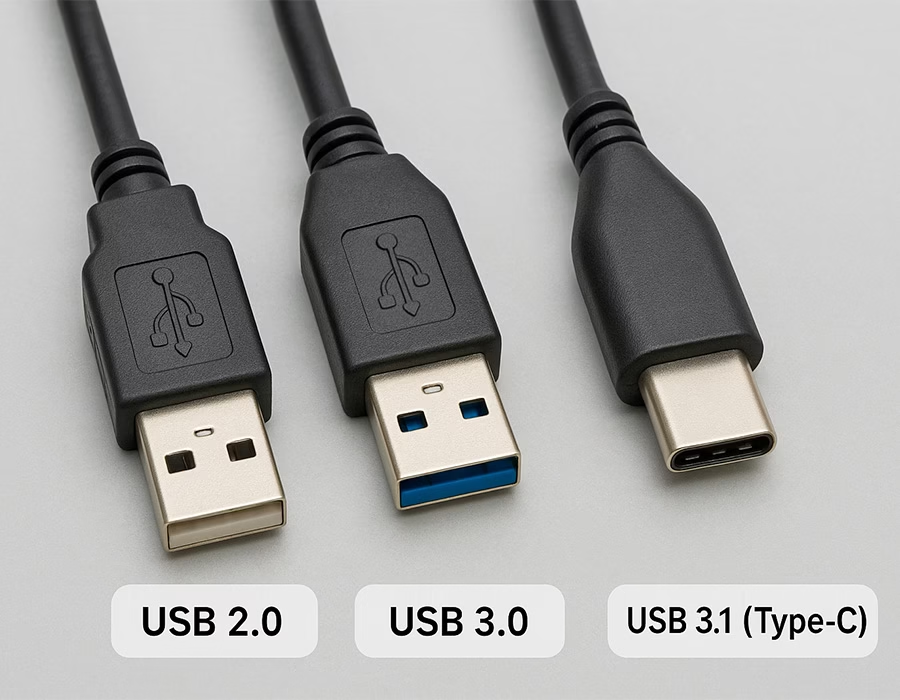
USB cable assemblies may appear identical on the outside, but there are significant differences between the USB 2.0, 3.0, and
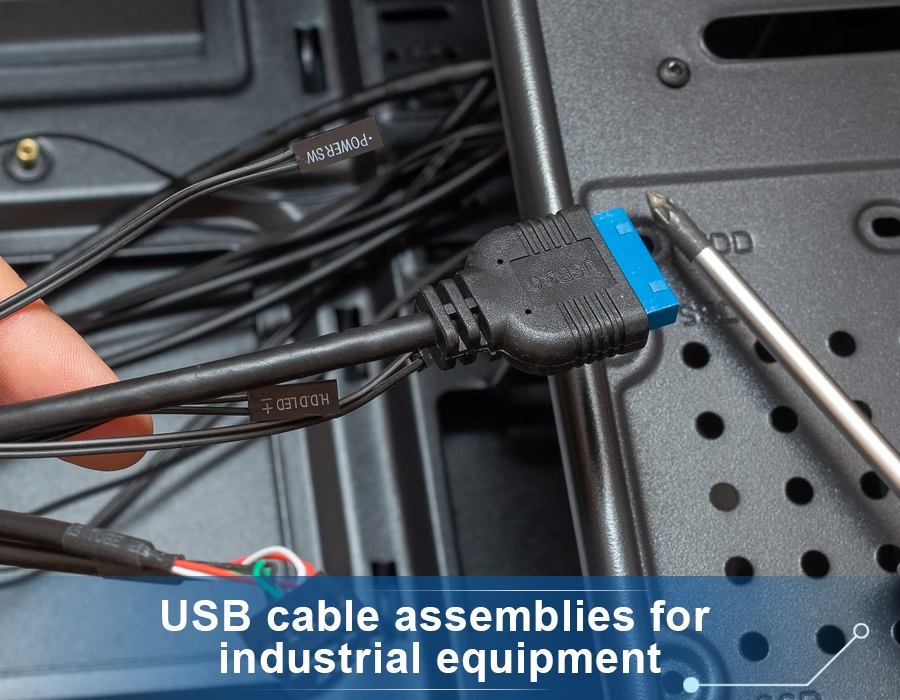
USB cable assemblies are more than simply wires and connectors; they power our devices and provide seamless data transfer. These
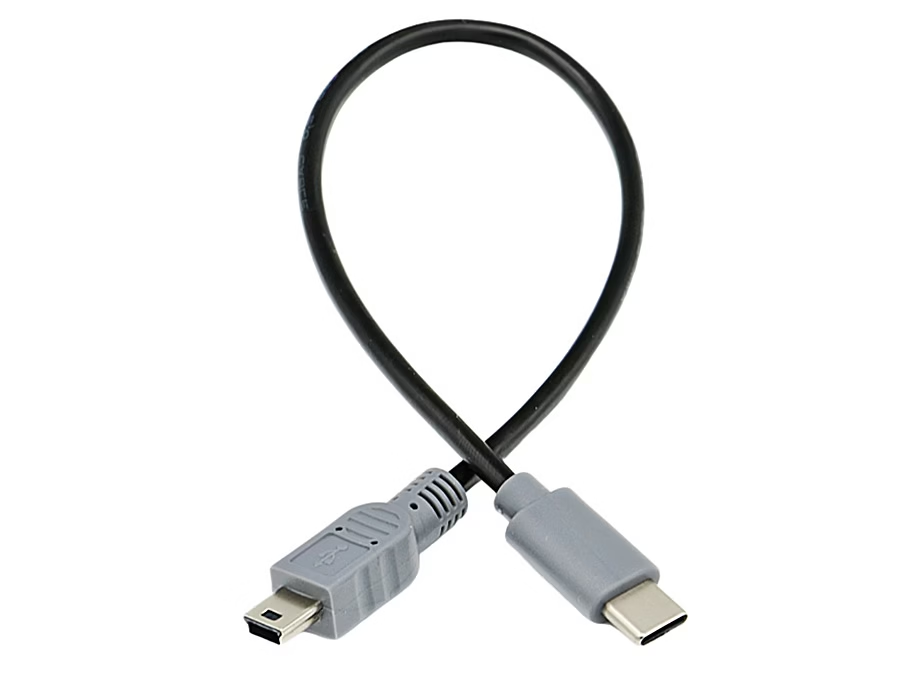
Medical equipment often relies on USB cables carrying life-critical data. In a modern clinic, your new computer might only have
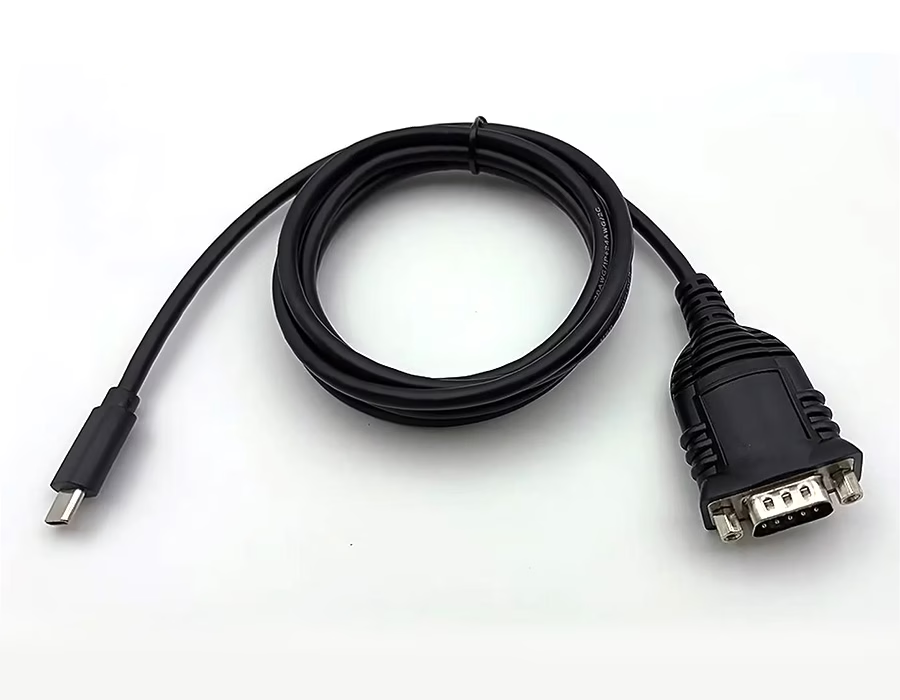
Ever tried to plug a USB-C cable into an old serial device only to find no port? A USB-C to
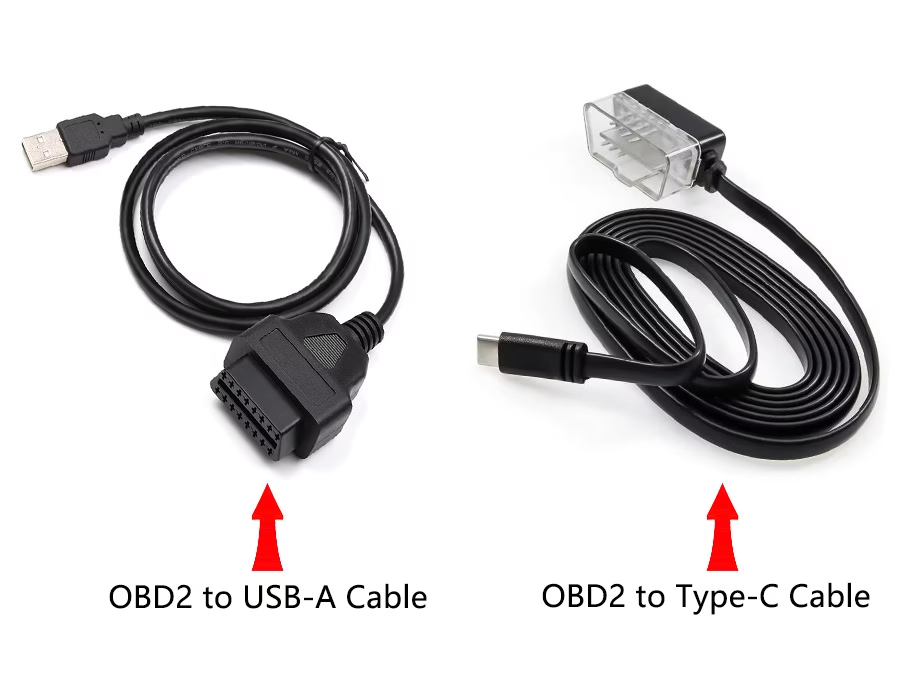
Ever needed to connect your car’s OBD-II port to a laptop? A custom OBD2-to-USB cable makes it easy. These cables

Have you ever noticed the USB cable on a patient monitor and assumed it was just like the one on
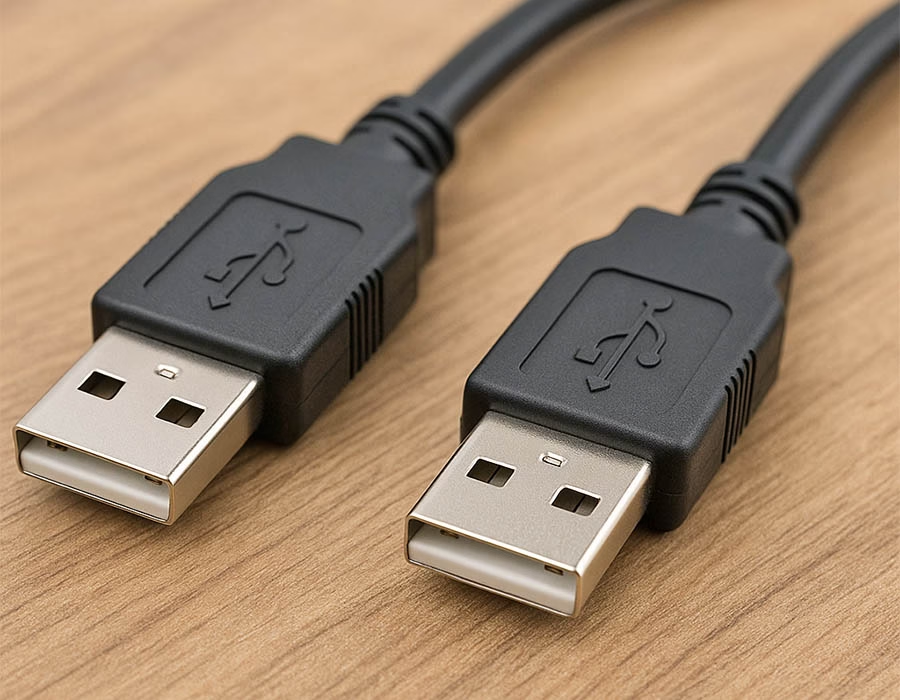
USB cables usually have a Type-A (host) connector at one end and a Type-B (device) or smaller connector at the

USB Type-B connectors are the square-ish plugs found on many peripheral devices. While USB Type-A plugs on PCs and hosts

Introduced in January 1996, USB was designed to replace traditional serial and parallel ports with a single, user-friendly interface. Today’s

USB splitter cables are essential when you want to increase your device connectivity without the struggle of swapping out cables

The USB Y-cable is a chic little device that splits a single USB connection into two, allowing people to connect

The port you choose for connecting your webcam can significantly impact its video quality and performance. Options like USB 2.0,

Do you need to extend your USB cable or connect two cables? Here’s a simple guide to help you: 1.

If you’re setting up a camera system, you might wonder, “How long can my USB cable be?” It’s not just

Choosing between USB 2.0 and USB 3.0 extension cables can make a big difference in your tech setup. Here’s a